
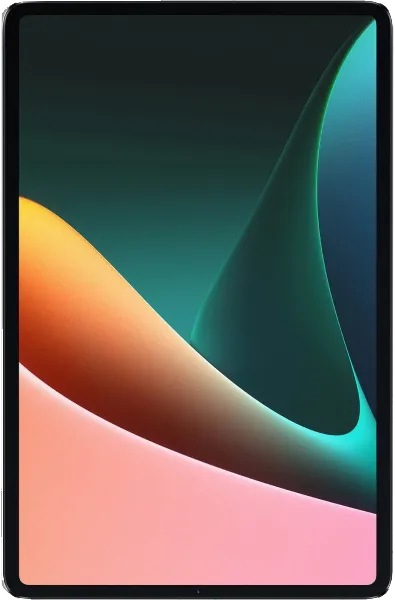
Xiaomi Pad 5 GCam
Google Camera (GCam) ports for Xiaomi Pad 5. These are modified versions of Google's camera app optimized for your device.
Available GCam Versions
GCam Gcam_8.8.224_V3.0
GCam 6.1_GCam_Jean-Luc_MinikonV1.1.2.apk
GCam 6.1_GCam_Jean-Luc_MinikonV1.1.2.apk
GCam 6.1_GCam_Jean-Luc_MinikonV1.1.2.apk
Installation Guide
Learn how to install GCam on your Xiaomi Pad 5.
Read MoreGCam Installation Instructions
- Download the GCam APK file for your device.
- Enable "Install from Unknown Sources" in your device settings if not already enabled.
- Open the downloaded APK file and tap "Install".
- Once installed, open GCam and grant necessary permissions.
- If available, import recommended configuration settings for your device.
Note: Some GCam versions might require specific Android versions or additional configuration.