
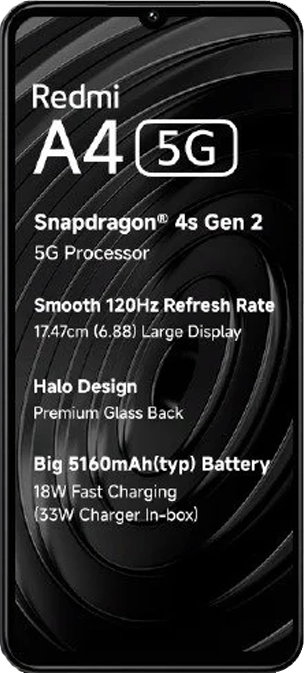
Redmi A4 / POCO C75 5G GCam
Google Camera (GCam) ports for Redmi A4 / POCO C75 5G. These are modified versions of Google's camera app optimized for your device.
Available GCam Versions
GCam PocoSv10.6.2b.apk
Installation Guide
Learn how to install GCam on your Redmi A4 / POCO C75 5G.
Read MoreGCam Installation Instructions
- Download the GCam APK file for your device.
- Enable "Install from Unknown Sources" in your device settings if not already enabled.
- Open the downloaded APK file and tap "Install".
- Once installed, open GCam and grant necessary permissions.
- If available, import recommended configuration settings for your device.
Note: Some GCam versions might require specific Android versions or additional configuration.