
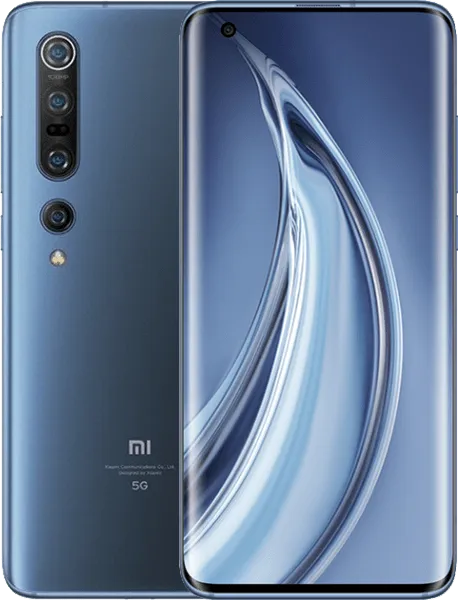
Xiaomi Mi 10 Pro V12.5.2.0.RJAMIXM Global V12.5.2.0.RJAMIXM (Specified)
Official Xiaomi Mi 10 Pro HyperOS releases.
Xiaomi Mi 10 Pro Details
CPU
Snapdragon 865
Update Version
V12.5.2.0.RJAMIXM
Android Version
11
OS Version
MIUI 12.5
Display Size
6.67"
EOL Status
1970-01-01
Installation Guide
To install this update, download the Recovery ROM from the above-provided link. After downloading, open the Updater Application on your Xiaomi Mi 10 Pro.
Read MoreComplete Installation Instructions
- Download the Recovery ROM from the above-provided link.
- Open the Updater Application on your Xiaomi Mi 10 Pro.
- Tap the three dots at the top-right corner and select 'Choose update package.'
- Go to the folder where you downloaded your ROM file and select it.
- It will start updating automatically; once it is done, your device will reboot into the new version.
Note:Some updates may not installed because they are released as beta versions.
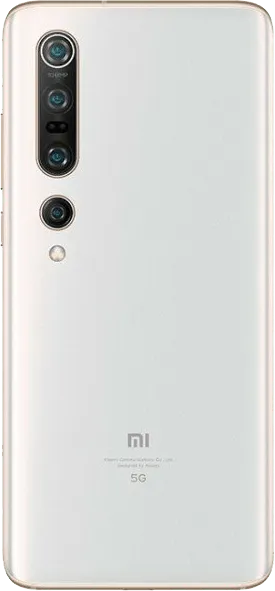
Device Photos

Changelog
See what's new in this version including bug fixes, improvements and new features...
Read MoreComplete Changelog
- MIUI12.5 Enhanced:
- Swift performance. More life between the charges.
- Focused algorithms: Our new algorithms will dynamically allocate system resources based on specific scenes, ensuring smooth experience on all models.
- Atomized memory: Ultra-fine memory management mechanism will make RAM usage more efficient.
- Liquid storage: New sensitive storage mechanisms will keep your system vibrant and responsive as time goes by.
- Smart balance: Core system improvements allow your device to make the best of the flagship hardware specs.
- Lock screen:
- Fix: Fingerprint unlock animation kept playing after the device was unlocked
- Fix: Fingerprint unlock animation led to crashes
- Fix: Fingerprint icon didn't appear or was displayed incorrectly when the screen was turned off in landscape mode
- Fix: The screen went black, device was locked, and Lock screen wallpaper was replaced with Home screen wallpaper after Fingerprint unlock was used
- Fix: Using fingerprints in some apps locked the device
- Fix: Fingerprint icon didn't disappear after the device was unlocked
- Fix: Fingerprint icon didn't disappear after the device was unlocked
- Fix: Lock screen went transparent after Fingerprint unlock was used in some cases
- Fix: Wallpapers flashed when Fingerprint unlock was being used which didn't allow to unlock the device
- Fix: Device was locked again after successful Fingerprint unlock attempts
- Fix: Using Face unlock and Fingerprint unlock simultaneously led to crashes in some cases
- Fix: Lock screen notifications disappeared after an ended call
- Status bar, Notification shade:
- Fix: Cleaner animations weren't displayed correctly
Downloads
OSV12.5.2.0.RJAMIXM
11.0
Recovery
3.0G
2026-04-03 23:56:38
V12.5.2.0.RJAMIXM
11
Fastboot