
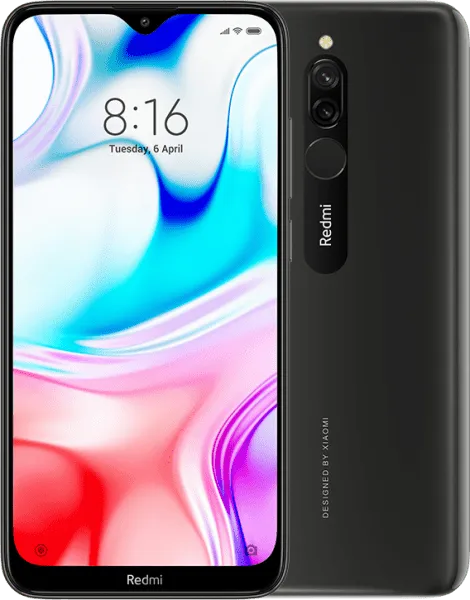
Xiaomi Redmi 8 V11.0.2.0.PCNINXM India Global V11.0.2.0.PCNINXM (Specified)
Official Xiaomi Redmi 8 HyperOS releases.
Xiaomi Redmi 8 Details
CPU
Snapdragon 439
Update Version
V11.0.2.0.PCNINXM
Android Version
9
OS Version
MIUI 11.0
Display Size
6.22"
EOL Status
1970-01-01
Installation Guide
To install this update, download the Recovery ROM from the above-provided link. After downloading, open the Updater Application on your Xiaomi Redmi 8.
Read MoreComplete Installation Instructions
- Download the Recovery ROM from the above-provided link.
- Open the Updater Application on your Xiaomi Redmi 8.
- Tap the three dots at the top-right corner and select 'Choose update package.'
- Go to the folder where you downloaded your ROM file and select it.
- It will start updating automatically; once it is done, your device will reboot into the new version.
Note:Some updates may not installed because they are released as beta versions.
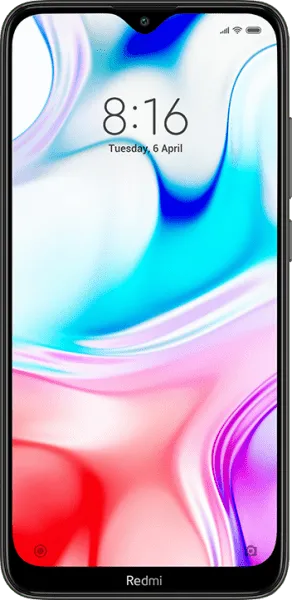
Device Photos

Changelog
See what's new in this version including bug fixes, improvements and new features...
Read MoreComplete Changelog
- Comprehensive design optimized for full screen display devices:
- Removing visual clutter, improving touch controls, and refining the use of color allowed us to create the system where nothing stands between you and the content
- Sounds of nature:
- Wake up to the gentle sounds of nature with our new alarm ringtones
- Notification sounds won't make you tired. Now, they keep changing dynamically, just like nature does.
- Documents:
- Preview your documents before you open them
- Stay productive and efficient with our all-new Mi Doc Viewer
- More features:
- Tasks. Manage and edit your tasks in the Notes app. Receive timely notifications and mark things done.
- Quick replies. Reply to messages from any app.
- Game Turbo. Turn your device into an ultimate gaming console.
- Radio:
- Fix: The app force closed in some cases
Downloads
OSV11.0.2.0.PCNINXM
9.0
Recovery
1.9G
2026-03-25 22:59:45
V11.0.2.0.PCNINXM
9
Fastboot